
5 steps to creating a 3D product presentation.
Why shouldn't you?
A video is particularly effective for increasing audience engagement, making your offer easy to understand and generating more sales.
Would you like to make your own photo realistic 3D product presentation video, and would you like to know the steps involved?
You've come to the right place!
This is a practical guide to creating a successful video without having to go through an agency. It is aimed at company directors, marketing managers, sales managers, product managers and designers.
At the end, you'll know how to write a brief, what software to use, where to turn for 3D files and how to edit.
It's up to you!
1 - The Brief
A brief is a document that specifies the characteristics of your video, both in terms of content and form.
Spending a minimum ofhalf a day on its drafting will save you time later on.
Here's the information it should contain. Feel free to copy and paste:
-
Tweet
280 characters to describe your idea. Here's how big it should be:
"Lorem ipsum dolor sit amet, consectetuer adipiscing elit. Aenean commodo ligula eget dolor. Aenean massa. Cum sociis natoque penatibus et magnis dis parturient montes, nascetur ridiculus mus. Donec quam felis, ultricies nec, pellentesque eu, pretium quis, sem. Nulla consequat mas "
-
References
3 to 6 elements that match your vision (videos, images and music)
A commercial you've seen, a clip from an award-winning film, music you've heard on a podcast, an object that has nothing to do with the project. Anything is a good way to express what's on your mind.
-
Objectif Business
What's the business case for video?
Win an AO
Increase sales
Raising funds
Accelerate a sales cycle
Improve conversion
Reduce actual video production costs
Launch pre-orders before product release
-
Marketing objective
What is the marketing raison d'être of video?
Improve brand image
Communicating value
Increase engagement
Increase brand awareness
Increase the number of qualified leads
Conducting a research campaign
Making dreams come true
-
Product objective
What is the video's raison d'être?
Bringing a product to life
Helping people understand functionalities
Present the work accomplished
Supporting design choices
Highlighting ingenuity
Enhancing the product's character
-
Value of your business objective
<10k
10k - 100k
100k - 500k
500k - 1M
>1M
-
Context
When exactly will the video be available?
Presential
Visio
On line
-----
On our website
Delivery to our management
Customer presentation
As part of a call for tenders
-
Audience
Who is the video aimed at?
Cold prospects
Customers
Our partners
A buying commission
Your superiors
Another department
-
Your
How do you want to address your audience?
Professional / Intelligent / Precise
Dynamic / Euphoric / Fast
Refined / Upscale / Dreamy
-
Support
On which device will your video be played?
Mobile screen
PC monitor
Video projector
TV
VR headsets
-
3D files
Do you have 3D files of your product?
Yes
No, but I know how to find the files
No, and I don't know what it is
-
Environment
In the video, where will your product be presented?
Studio (solid color background)
Abstract background
Realistic
-
Props
What objects will be featured in the video, other than the product and the environment?
A user
A vehicle
Electronic devices
Plants
Furniture
-
Angles
From which exact angles should your product be viewed and not viewed?
Face
Visit
Top
Three-quarters front / back
Diving / counter diving
-
Duration
How long will the video last?
<30 sec
30 sec.
1 min
1 - 3 min
3 - 10 min
> 10 min
-
Format
What is the resolution and orientation?
720 / 1080 / 4k
Horizontal or vertical
2 - The Storyboard
The storyboard is a sort of comic strip that describes your video shot by shot. What elements should you include?
Let's take a look at the elements that can be included in a storyboard.



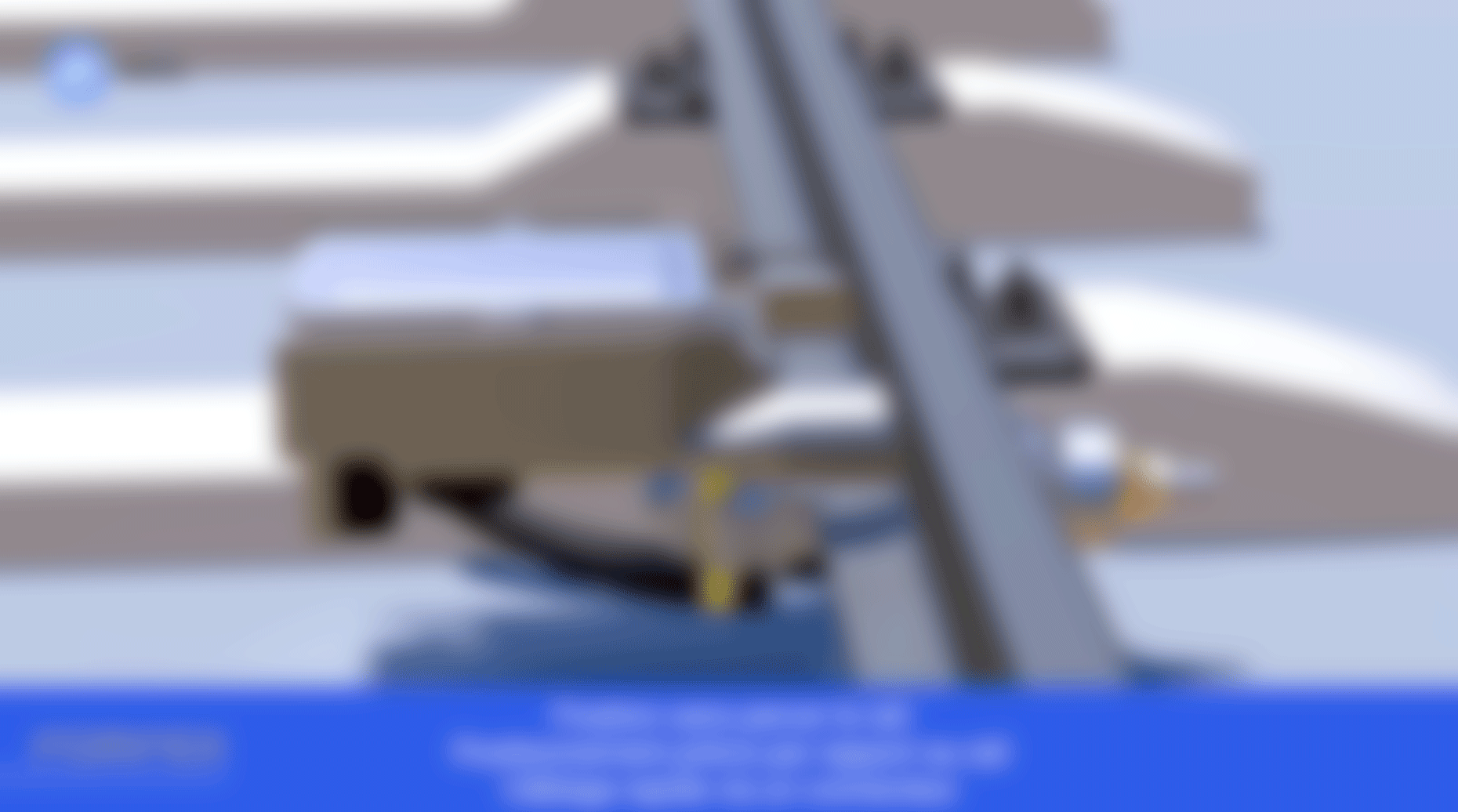

-
Depending on the tone you choose, the shots will move more or less quickly. This doesn't necessarily have an impact on the time spent creating your video, nor on the storyboard. In fact, you can group several shots in the same box to save time:
10-20 shots / minute for a professional or high-end tone
20-60 shots / minute for a dynamic tone
-
Duration
Camera movement
A drawing of the composition with the most important elements
The direction of light
-
No. Although it's preferable, you just need to know how to make diagrams.
We recommend that you always represent what will appear on the screen. If you wish to express the movement of a camera by drawing a top view diagram, please specify this in the comments.
Perfect! You've got your storyboard that describes every shot exactly!
3 - 3D software
Now you can choose one of the following software packages to create the video shots. They'll give you superior image quality and control. The tutorials below are free for beginners and will help you make the animation.
Comprehensive training courses are available on training sites such as Udemy, Skillshare and Domestika. You can also find a teacher on Superprof.
Remember that you can combine these 3D shots with actual filmed shots.
Make sure your input 3D files are compatible. fbx or obj are for the next 3. Keyshot can import solidworks, catia, creo, rhino and other design software. Get in touch with a designer, CAD modeler or mechanical engineer, and they'll be able to help you.
-

Keyshot
1188 / year
-

Blender
-

Cinema 4D
100€ / month
-
3Ds max
276/month
There are other software packages such as Unreal Engine, Unity, Deltagen, VRED, Maya, but their price or complexity is not appropriate in this context.
You should now have a folder with images or video! Congratulations!
4 - Editing software
Once the 3D plans have been produced, all that's left to do is assemble them.
Which software to use?
-

DaVinci Resolve
-
Adobe Premiere Pro
23.99/month
References
First of all, always have your references to hand. Those videos, images or music you wanted to draw inspiration from, now's the time to dissect them and draw inspiration from them.

Music integration
One trick that's easy to implement and gives a very clean effect is to sync cuts (shot changes) in time with the music. You can be on the beat or off-beat.
The highlights of the music should coincide with the highlights of your video.

Inserting 3D drawings
There can be floating moments with long shots, as well as fast, jerky moments to surprise.
Choose 3 types of transitions: cut, fade, fade to black, fade to white. The others should only be used in very special cases.

Placeholders
Next, create placeholders. These are black shots with just the title of your shot, taken from the storyboard. You can also use drawings from your storyboard. Then place the music and your first shots, the intro and outro first.

Export
For intermediate exports, make sure you have a bitrate between 1 and 5 Mbits/s to avoid excessively large files.
1 min seconds should weigh less than 25MB, especially for easy e-mail exchanges.
For a final export before publication on Youtube, for example, 30 seconds can go up to 100 MB.

Text
Add text, at first without any transitions or effects. Then when everything is written and placed at the right moment, transitions can be applied. Give the audience time to read your text and look at your product- they can't do both at the same time.
5 - The magazine
Show your video to a panel of people, and gather their opinions.
If you're told it's going too fast, take longer shots.
If they start talking during the video, it may not be dynamic or captivating enough.
If they find it hard to give an opinion or don't understand, it's because it wasn't clear enough. Your plans may not be in the right order. Or there may be several messages on the screen at the same time.
If they say wow, and use words close to the tone you originally intended, then bingo! Your message is getting through. Now's the time to check one last time whether your video can help you achieve your business, marketing and product objectives.
One last tip: before publishing, leave your video project aside for 2-3 days. Come back to it. You'll look at it differently.

A final word
Creating a video is both a technical and artistic task . With practice, you'll quickly become more efficient and original. There will be many pitfalls, but nothing insurmountable! Others have done it before you, and there are many online tutorials.
